sometines you want to share documents with others but redact sensitive parts. this may be because you are communicating with authorities or you want to show an email you got or you want to hand around spicy documents you found.
just drawing a black box over your pdf is not enough. the safe way to redact your pdf is with a program like inkscape.
0. install inkscape
inkscape is absolutely free and available on linux, windows, mac operating systems. you can get it from their website at https://inkscape.org/release/ .
1. open pdf with inkscape
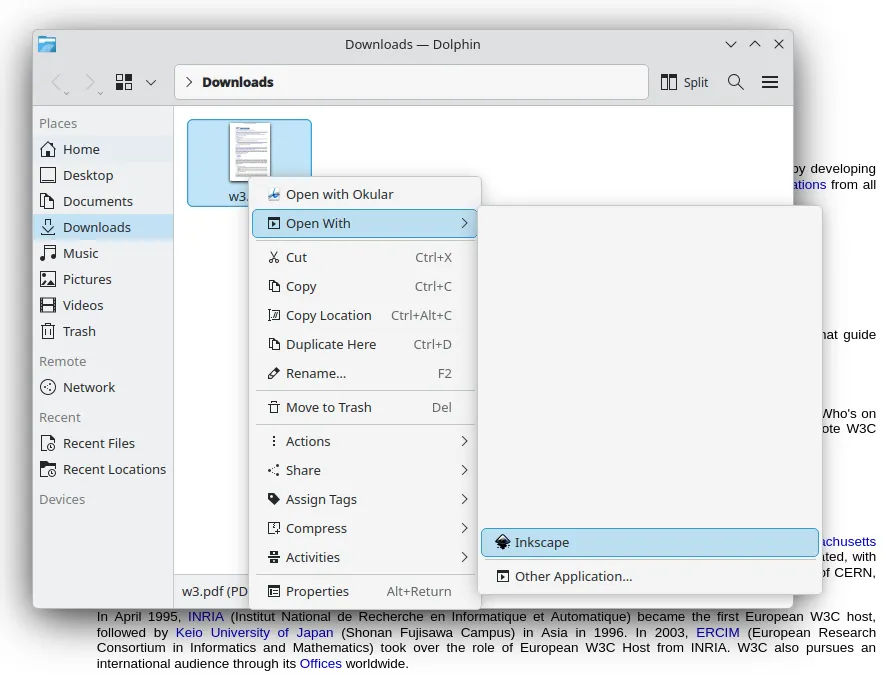
right-click on your pdf document in your file explorer. click on open with and inkscape to open the pdf with inkscape.
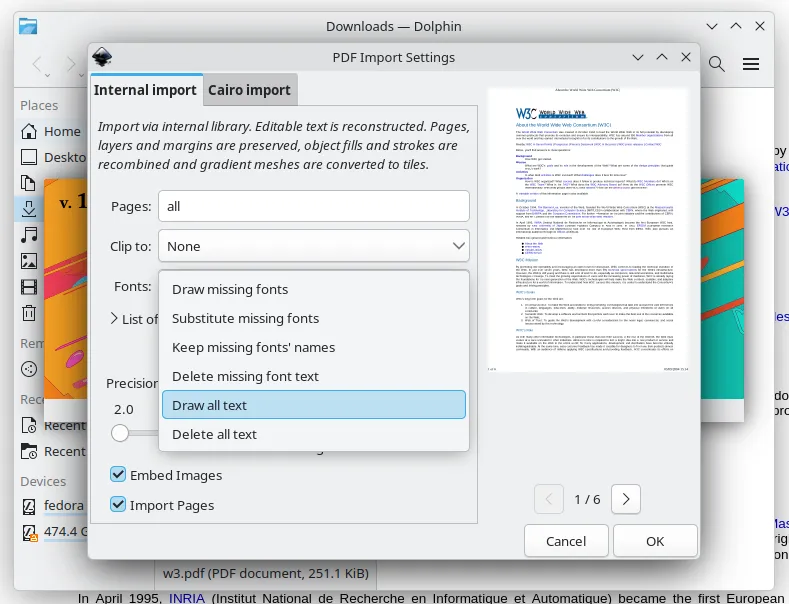
then inkscape should open and ask you if it should convert the fonts. under fonts: select draw all text . click ok.
2. remove the paths of your secret text
double-click on the text you want to redact. now the node tool is selected and you can edit the text very precisely. click+drag* over the text you want to redact. the selected text should be blue now.
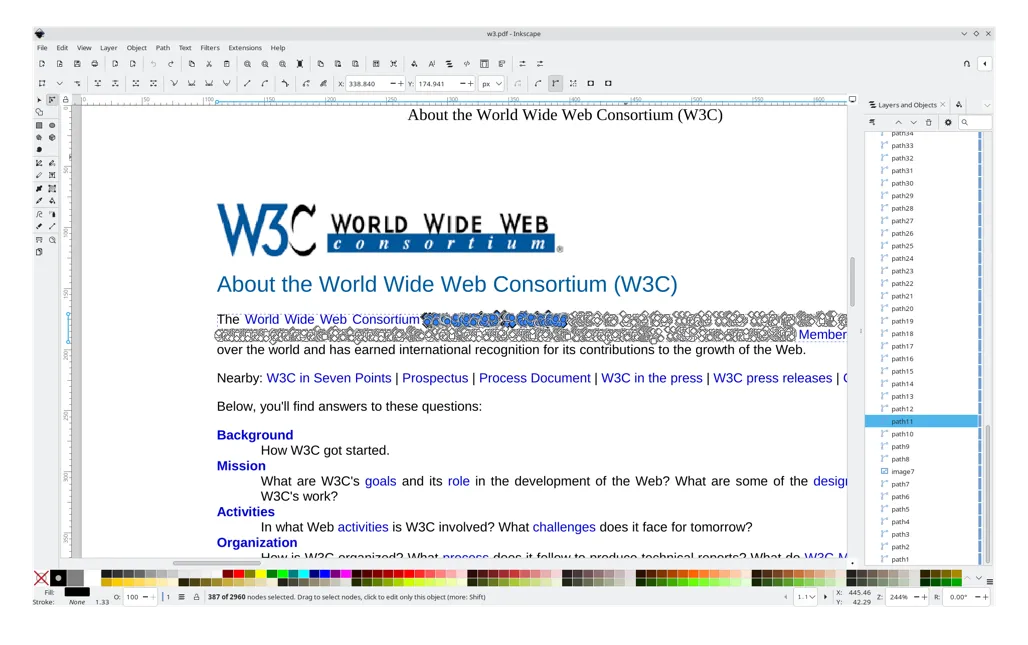
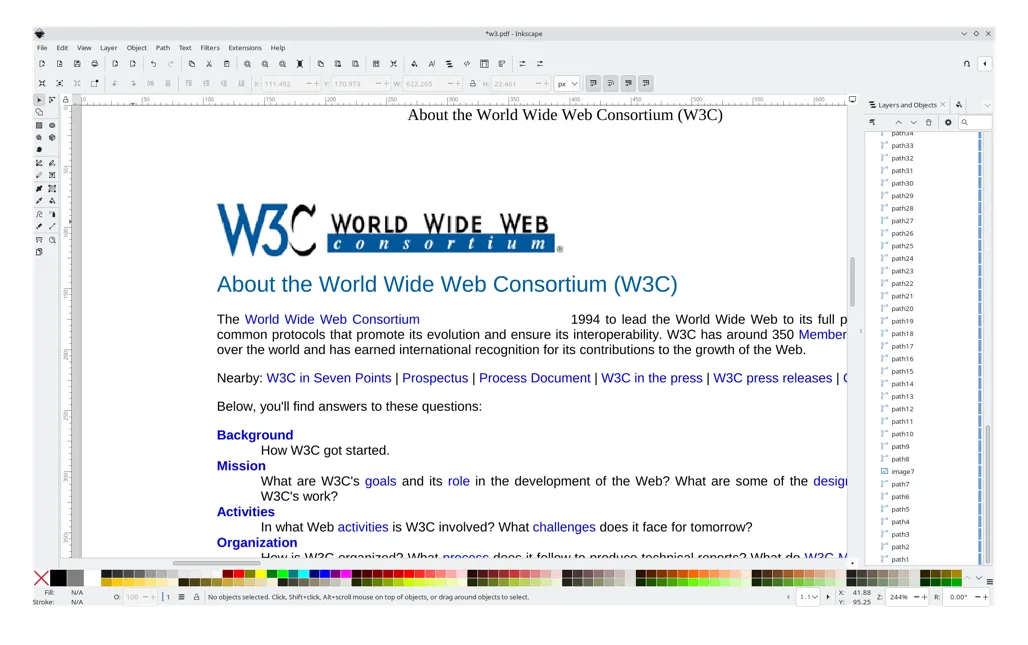
the text is selected. now you can press the delete key on your keyboard. or you can right-click on the blue text and click delete. that text part should be blank now.
2.1 (optional) draw a black box
click the rectangle symbol on the left side of inkscape. then click on the black box on the bottom left. now click+drag* over the blank space where you text was.
3. export pdf
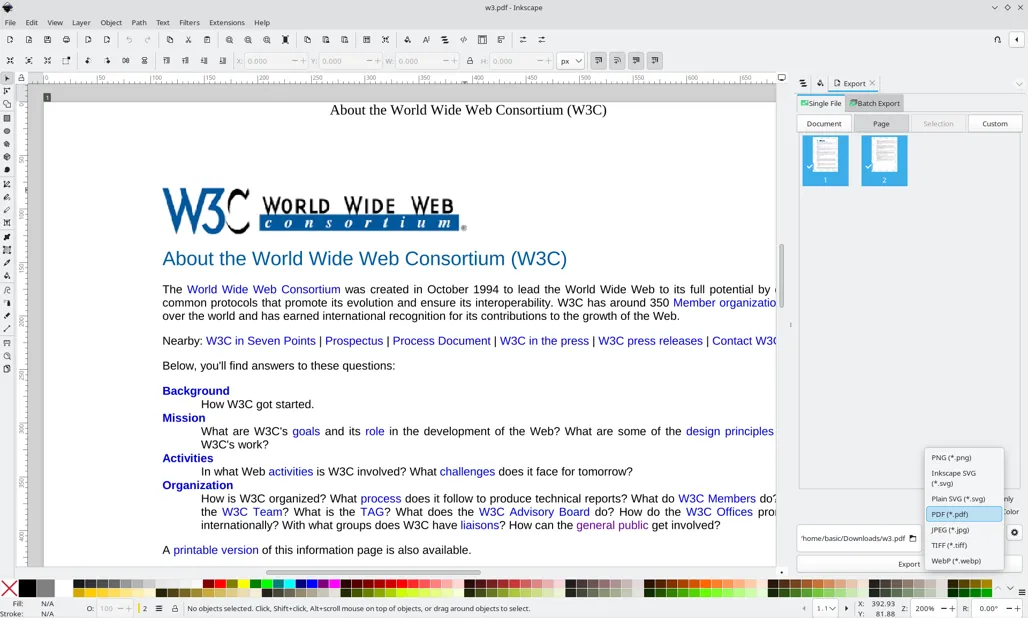
press the control key, shift key, and e key on your keyboard simultanously (ctrl+shift+e). the export panel opens on the right side in inkscape. click on Page in the top right area. now click on the selection box over Export in the bottom right corner (it probably says PNG (*.png) ). select PDF (*.pdf) (you may have to scroll down a bit). now inkscape exports your document as redacted pdf. enjoy!
* what does click+drag mean? click the left button of you mouse without releasing it and move your mouse. on laptop trackpads you can also double tap and move your finger. don't release your finger on the second tap until you moved your finger.